Help
One short tutorial per screen.
Each one is a narrated recording of the real app, with its steps written out and a full transcript. For the whole journey for a shop, a blog or a newsroom, see the tutorials.
Tutorials
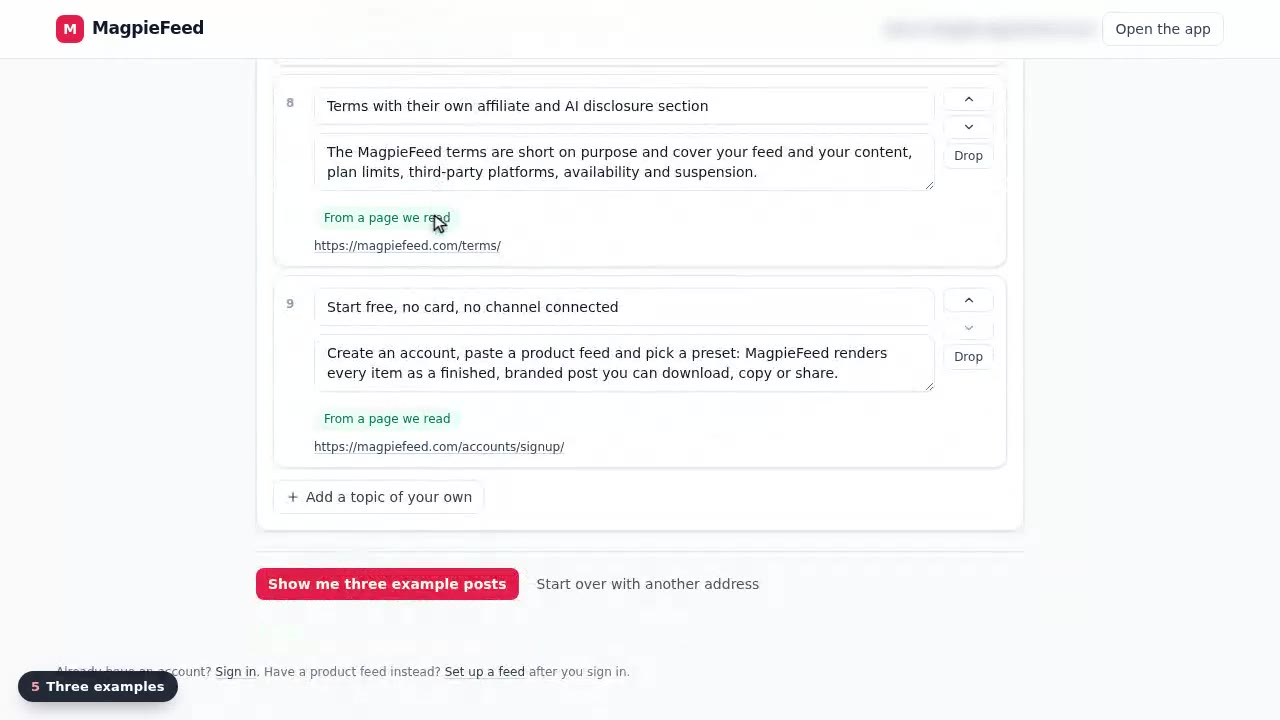
The website wizard
Paste your website, see what MagpieFeed found, read three example posts and save the plan.
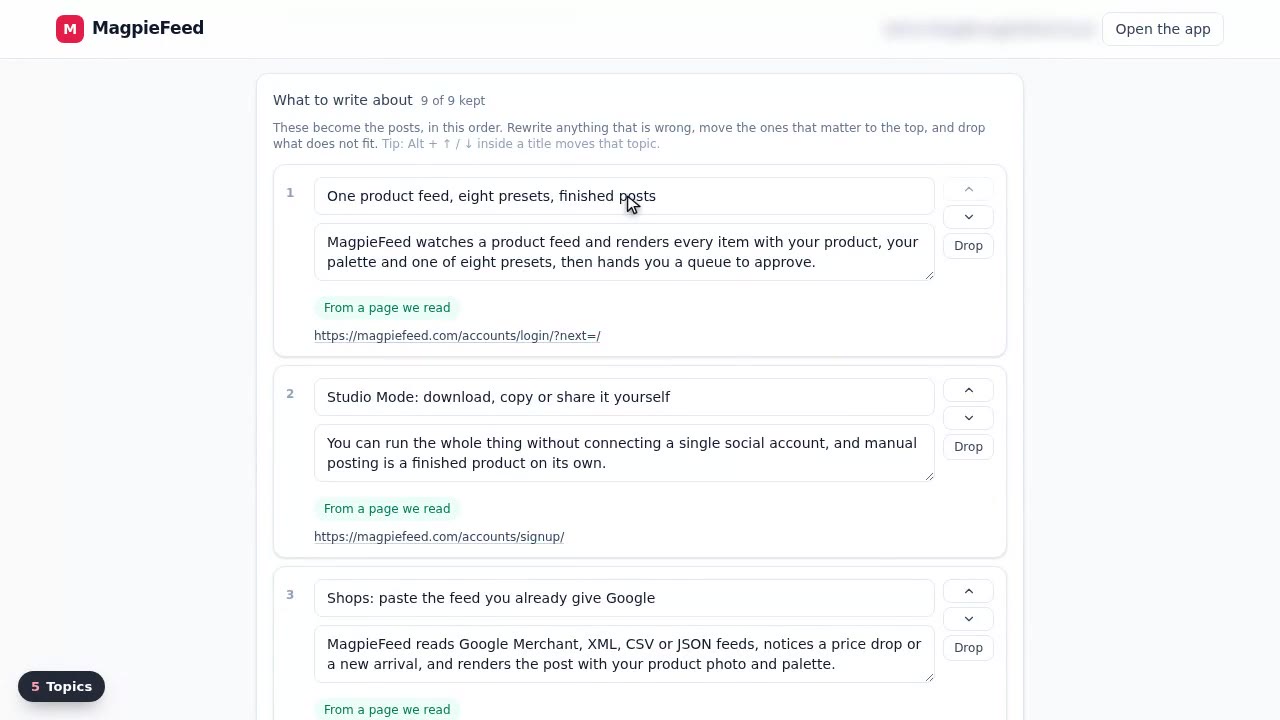
Review and edit a content plan
Rewrite the proposal before it is saved: tone, keywords, notes, and the topics themselves.
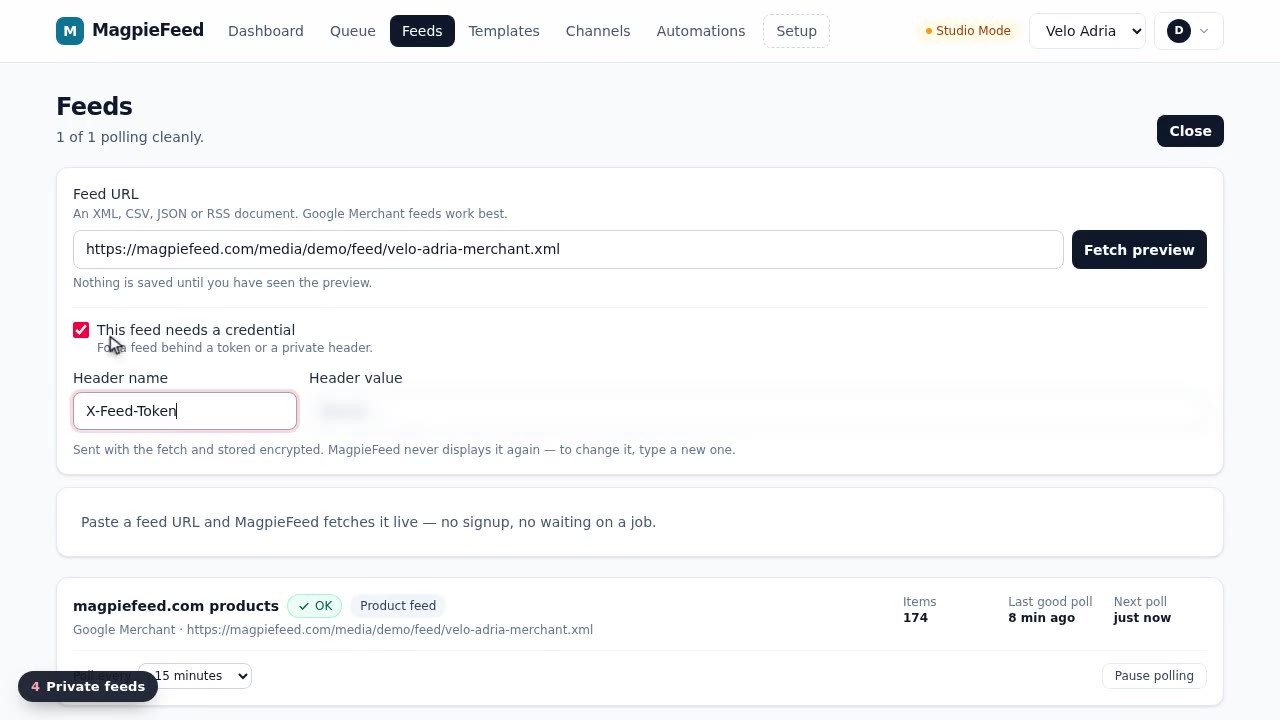
Feeds
Connect a product or content feed, check the live preview and the mapping, and keep it polling.
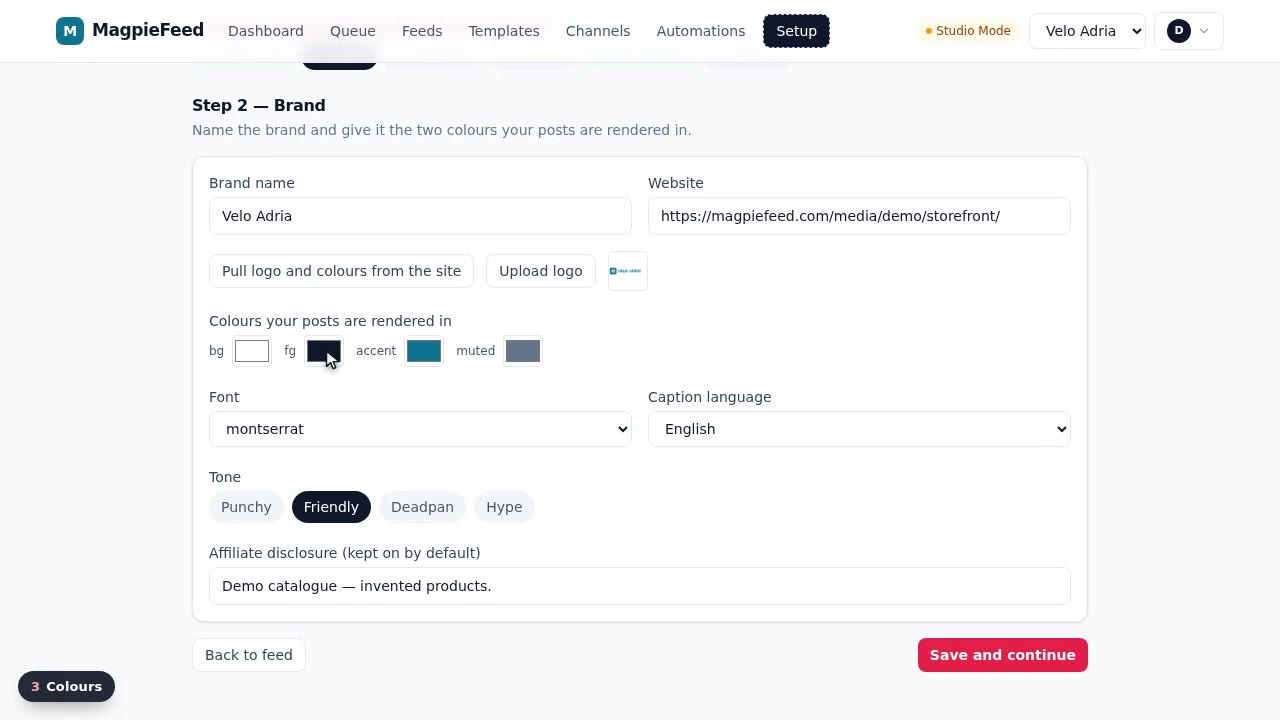
Brand setup
Name, website, logo, colours, font, caption language, tone and disclosure: what every post is made with.
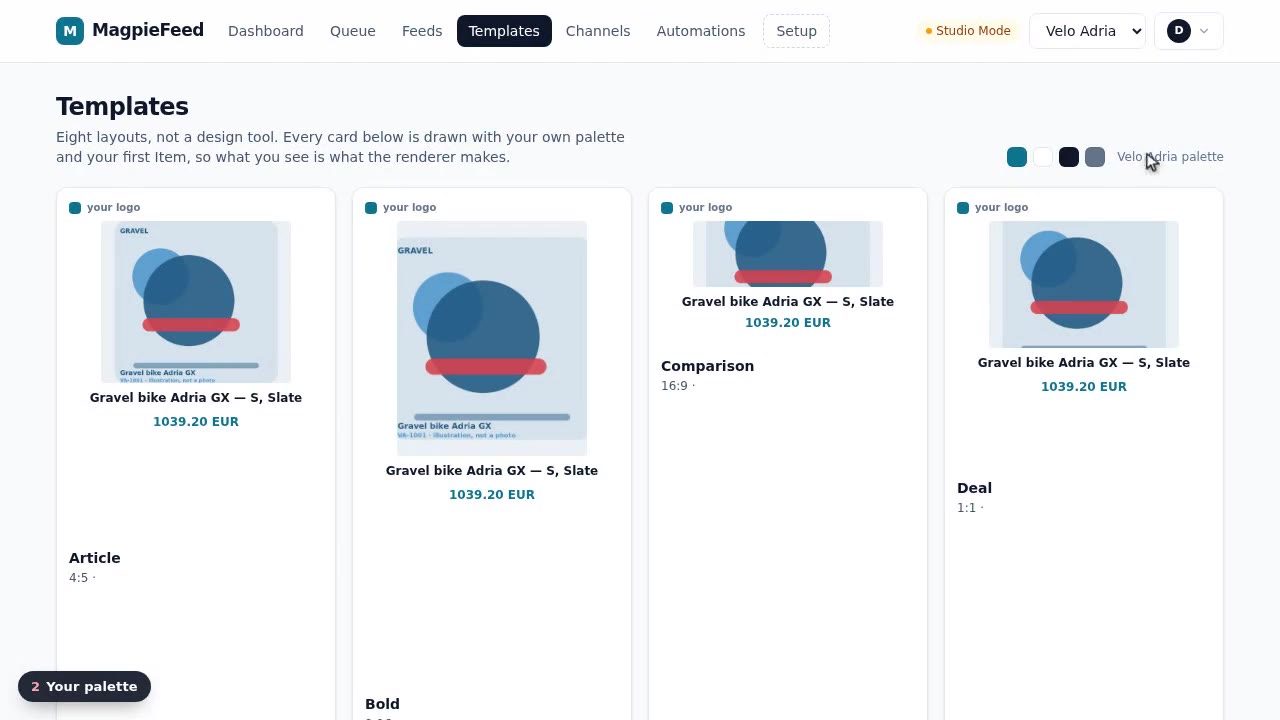
Templates
Layouts drawn with your own palette and product, and the one new automations start from.
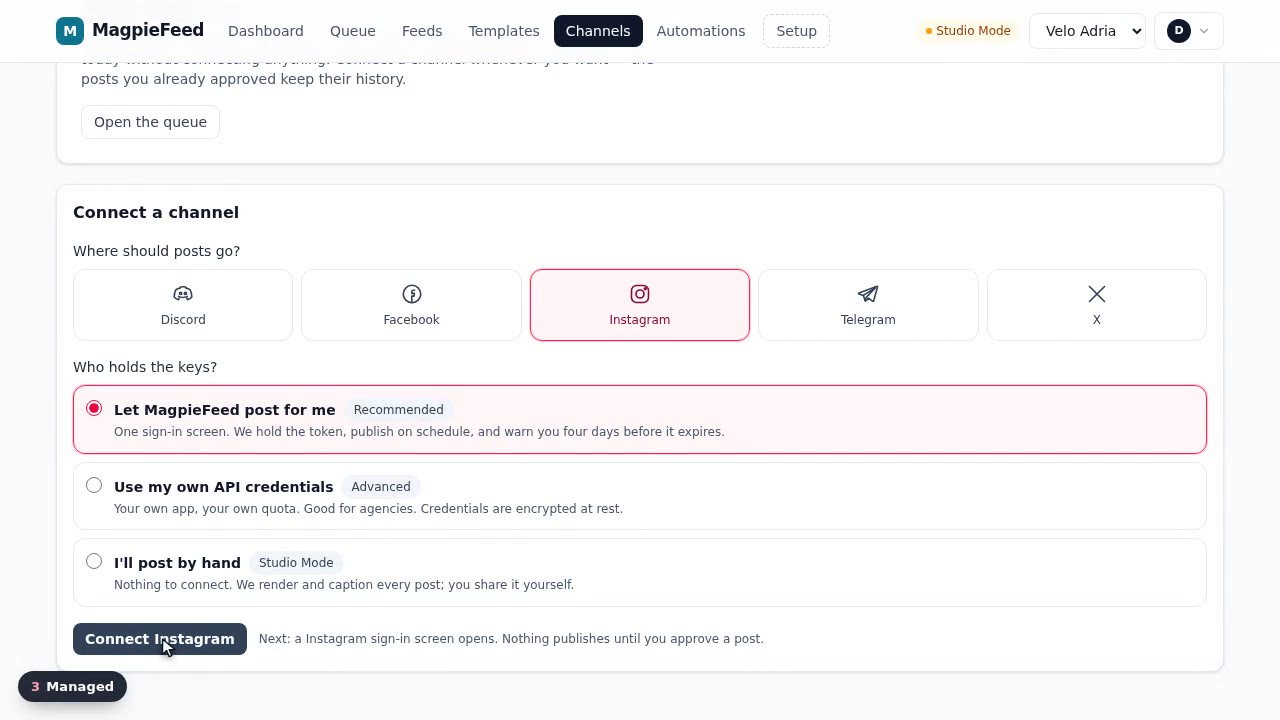
Channels and Studio Mode
Choose where posts go and who holds the keys: MagpieFeed, your own app, or you, by hand.
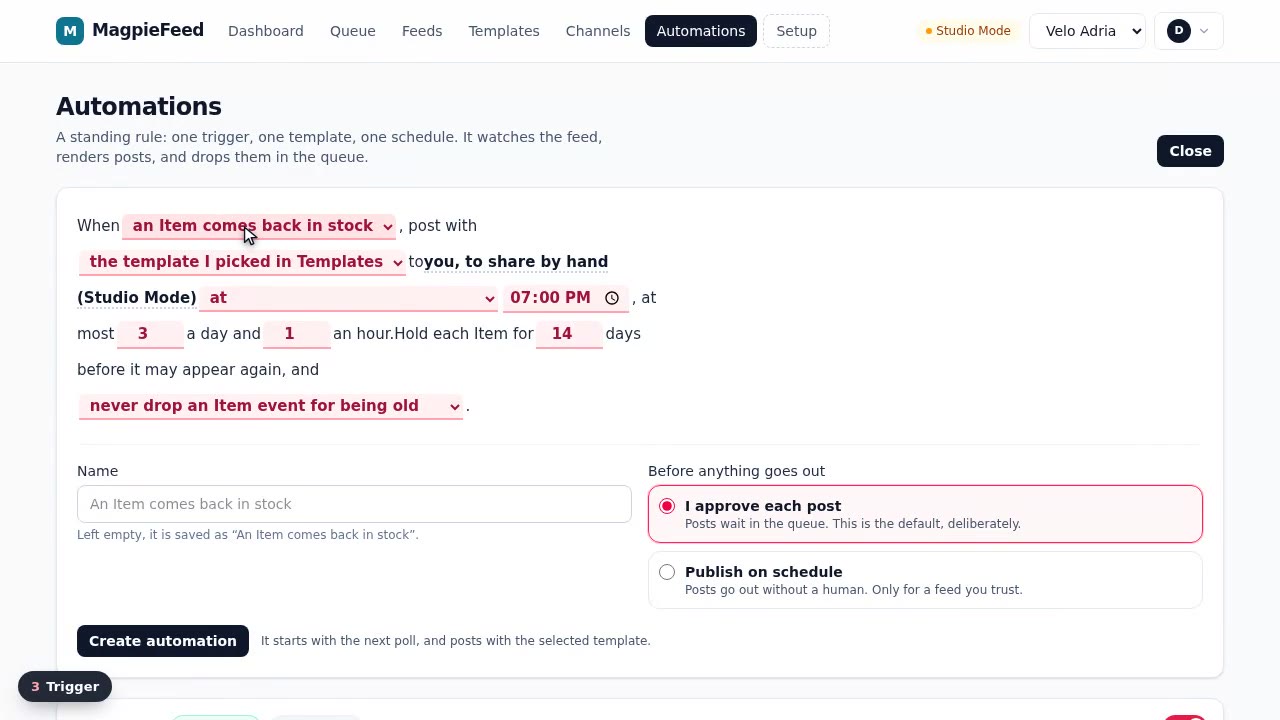
Automations
A standing rule: a trigger, a template, a schedule, rate limits and an approval mode.
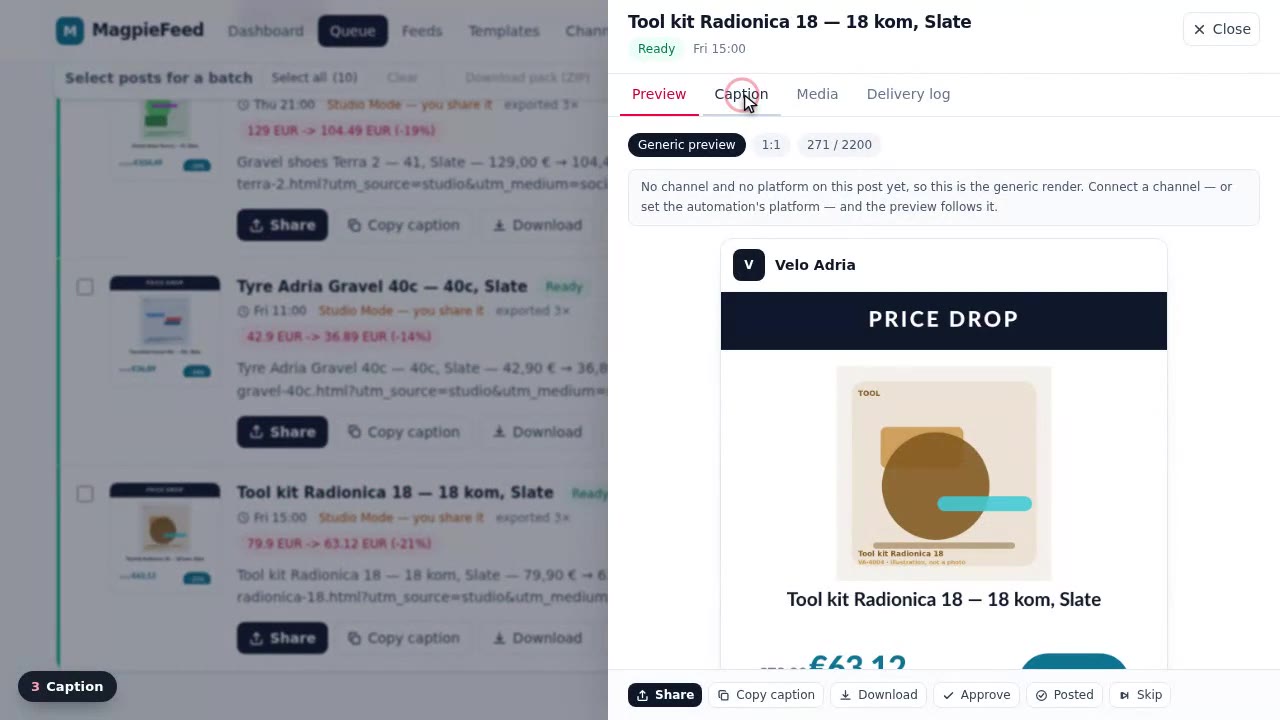
The approval queue
Everything waiting on you: open a post, edit the caption, check the log, approve or skip.
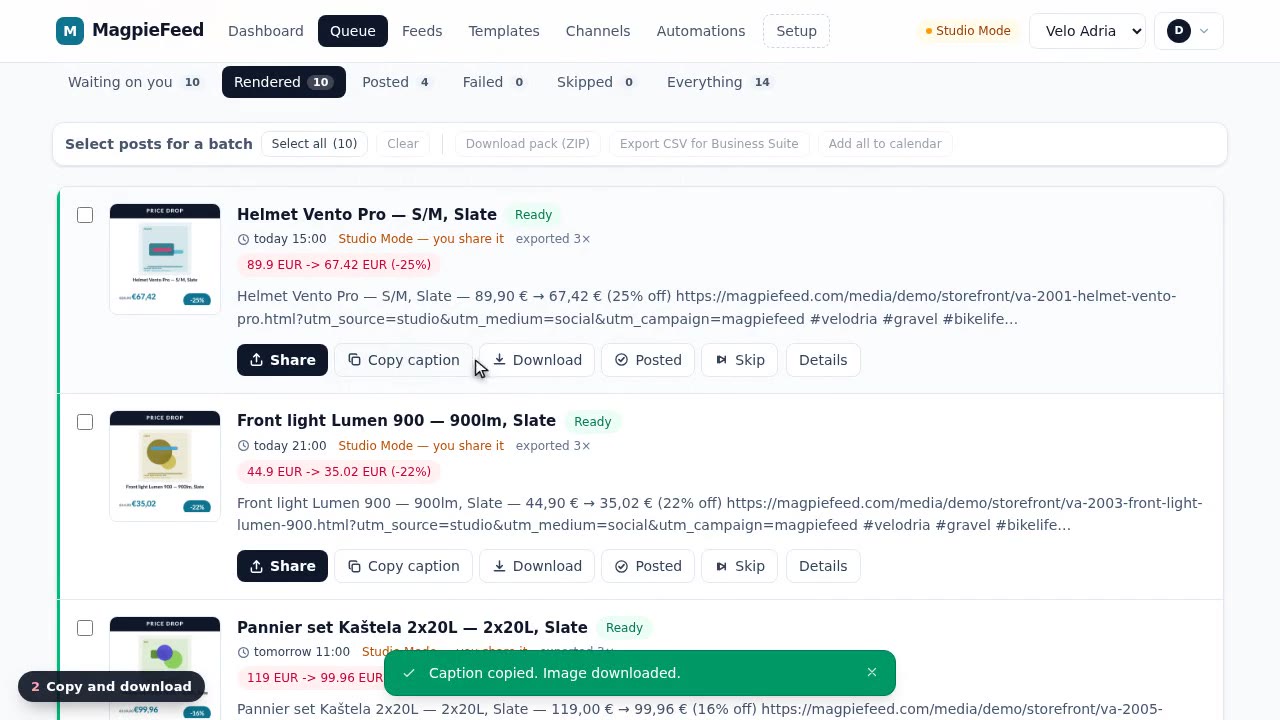
Studio exports
Post by hand: copy, download, mark as posted, or export a batch as ZIP, CSV or calendar.
Not recorded, and why.
- Billing
- Payments are not switched on for this installation yet, so there is no real checkout to record.
- Connecting a live social account
- The platform sign-in needs a real social account; the Channels video shows every option up to that point.
- Browser extension
- It runs inside your own browser on the platform's composer, outside the MagpieFeed pages.